What Happens After You Hit “Batch”?
Graduated from KIIT, Bhubaneswar in 2023 with a B.Tech in CS. Did my majors in AI and Computational Mathematics. For me, Covid was a blessing in disguise. I got plenty of time, staying at home, tinkering and building stuff. Tried IoT, App Development, Backend, Cloud. Did a few internships in Flutter in my second year of college. Moved to Full stack, majorly focussing on backend. Single-handedly build a Whatsapp-like video calling solution for a CA based social media company. Teaching was also a passion. So, started up an ed-tech platform with a friend, Sridipto. That's our first venture together - Snipe. Raised some capital from a Bangalore based VC during 3rd year of college. Came to Bangalore. Scaled Snipe to around a million users. But, monetisation was a challenge, downfall of ed-tech making it worse. Had to pivot. Gamification was our core. Switched to B2B model and got some early success. Few big names onboarded - Burger King, Pedigree, Saffola - few of them. Cut to 2024 September, we're team of 20+ team. Business is doing well. But realised scaling is problem. We can't just remain as a Gamification Service company. We thought, let's build something big. Let's Build the Future of Computing. The biggest learning, if you have a big problem, break it up into smaller problems. Divide and Conquer. It becomes a lot easier.
If you’ve read my previous post, you know how to structure a .jsonlfile, upload it, and create a batch request to OpenAI.
But what happens after the request is made?
This blog walks you through:
How to track a batch job
How to download and interpret the output
What to do when something fails
A few underrated batch methods you should know
Step 1: Wait and Watch (Fetching Status)
After creating a batch, the first thing you should do is check its status. This helps you:
Know if it’s still validating, in progress, or completed
Ensure there were no silent failures
You can poll the status like so:
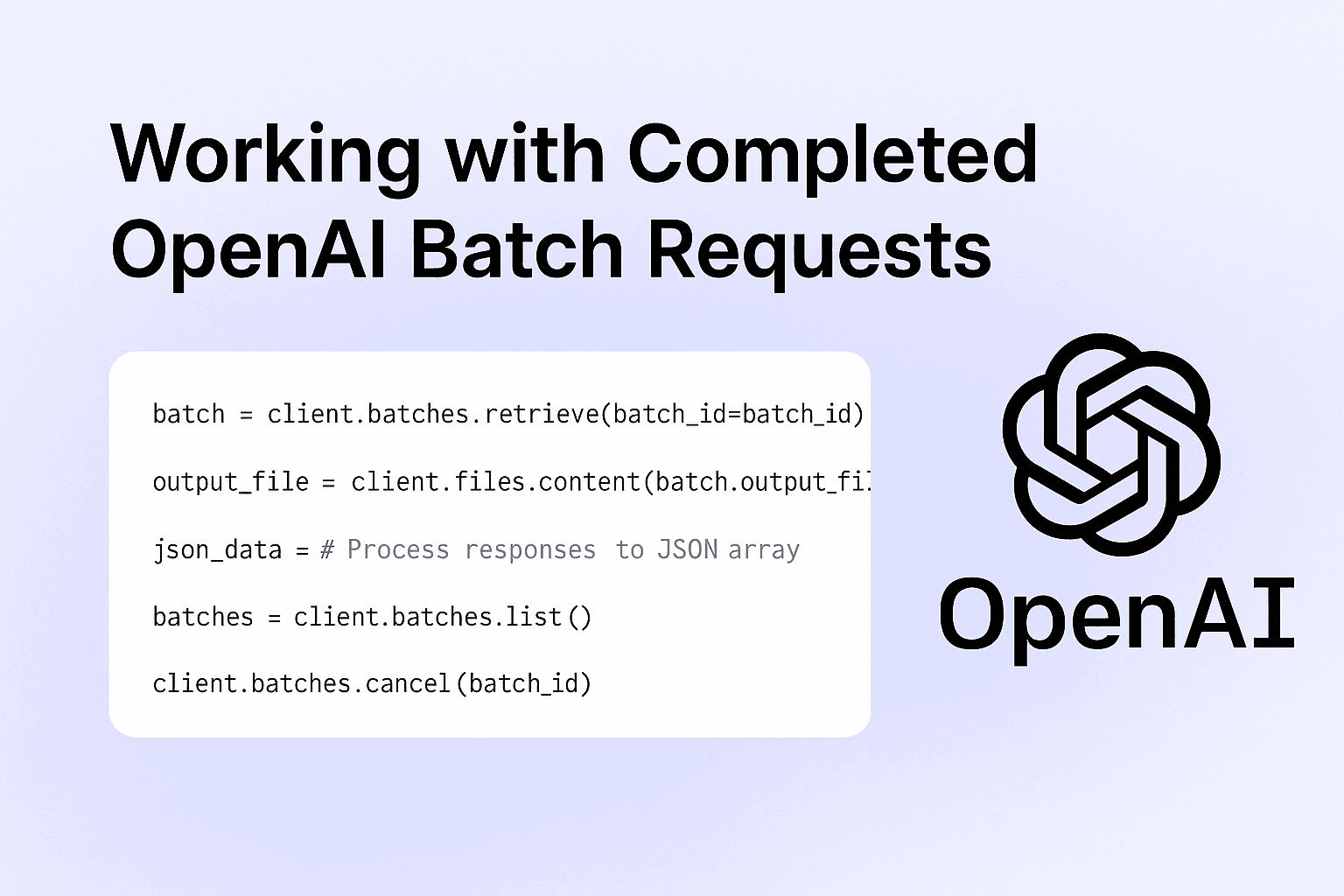
batch = client.batches.retrieve(batch_id="your_batch_id")
print(batch.status)
Once the status flips to "completed" and output_file_id is available, you’re ready to extract the results.
Step 2: Get the Output (Safely)
Here’s the complete script I used to:
Fetch the output from OpenAI
Save it in both
.jsonland.jsonformatsCleanly extract just the
custom_idand final response message
from openai import OpenAI
import os
import json
from dotenv import load_dotenv

# Load environment variables from .env file
load_dotenv()

# Initialize OpenAI client
client = OpenAI(api_key=os.getenv("OPENAI_API_KEY"))

# Provide your completed batch ID
batch_id = "batch_682aed00c6d88190990751eb7966abeb"

# Retrieve batch info
batch = client.batches.retrieve(batch_id=batch_id)

# Ensure it's completed and output file exists
if batch.status != "completed" or not batch.output_file_id:
    raise ValueError(f"Batch not ready or missing output_file_id. Status: {batch.status}")

# Get the output content using `files.content`
output_file = client.files.content(batch.output_file_id)

# Save raw output as JSONL
lines = output_file.text
with open("openai_calls/batch_output.jsonl", "w", encoding="utf-8") as f:
    f.write(lines)

# Parse and save a clean JSON array
with open("openai_calls/batch_output.json", "w", encoding="utf-8") as f:
    json_data = [
        {
            'custom_id': json.loads(line)['custom_id'],
            'response': json.loads(line)['response']['body']['choices'][0]['message']['content']
        }
        for line in lines.splitlines()
    ]
    json.dump(json_data, f, indent=4)
This structure makes it easy to read, log, or even pipe into downstream analytics tools or databases.
Bonus Functions You Should Know
Batch APIs come with a couple of helpful utilities that make your workflow smoother:
1. List All Your Batches
See what you’ve run recently:
batches = client.batches.list()
Use this to track jobs across your team or workspace, especially when running multiple experiments.
2. Cancel a Batch (If You Catch a Mistake)
Did you spot an error in your batch input right after launching it? Cancel it before it starts processing:
client.batches.cancel(batch_id="your_batch_id")
Note: You can only cancel a batch while it's in the validating or queued stage. Once it moves to in_progress, it’s too late.
Summary: Life After Batch Creation
Here’s what a full batch lifecycle looks like:
Create → Upload input and start the batch
Track → Poll for status until completed
Download → Use the output file ID to fetch responses
Parse → Extract insights, summaries, or tags from the JSONL
Repeat or Cancel → Use
list()to audit, orcancel()when needed
If you're working with any asynchronous, large-scale LLM task, batch APIs are not just a convenience; they're an optimisation layer.
What’s Next?
I’m currently chaining these batch summaries into:
Embedding pipelines (for search)
Auto-tagging workflows (for knowledge org)
Notification systems (summarize & alert)
If you're exploring something similar, feel free to fork the script or ping me. I’ll also share more about embedding and search in future blogs.
Stay tuned.
Read the previous blog → What are Batch APIs? feat. OpenAI
Docs: OpenAI Batch API Guide