What are Batch APIs? feat. OpenAI
Graduated from KIIT, Bhubaneswar in 2023 with a B.Tech in CS. Did my majors in AI and Computational Mathematics. For me, Covid was a blessing in disguise. I got plenty of time, staying at home, tinkering and building stuff. Tried IoT, App Development, Backend, Cloud. Did a few internships in Flutter in my second year of college. Moved to Full stack, majorly focussing on backend. Single-handedly build a Whatsapp-like video calling solution for a CA based social media company. Teaching was also a passion. So, started up an ed-tech platform with a friend, Sridipto. That's our first venture together - Snipe. Raised some capital from a Bangalore based VC during 3rd year of college. Came to Bangalore. Scaled Snipe to around a million users. But, monetisation was a challenge, downfall of ed-tech making it worse. Had to pivot. Gamification was our core. Switched to B2B model and got some early success. Few big names onboarded - Burger King, Pedigree, Saffola - few of them. Cut to 2024 September, we're team of 20+ team. Business is doing well. But realised scaling is problem. We can't just remain as a Gamification Service company. We thought, let's build something big. Let's Build the Future of Computing. The biggest learning, if you have a big problem, break it up into smaller problems. Divide and Conquer. It becomes a lot easier.
🧠 TL;DR
Batch APIs are your best friends when you want to run large-scale LLM tasks – without maxing out your rate limits or sending requests one at a time like it’s 2022.
In this post:
Why batch APIs are useful
A real-world use case: summarizing a bunch of CXO emails
How to set it up with OpenAI
What I learned (and what to watch out for)
📨 The Problem
If you’re building anything LLM-powered, this probably sounds familiar:
“I’ve got hundreds of emails/docs/chats... and I want a summary for each.”
Now imagine calling OpenAI's chat endpoint 500 times, one after another. You’ll:
Hit rate limits
Burn through API tokens inefficiently
Lose time and, frankly, patience
So instead, we use…
🧩 Enter: Batch APIs
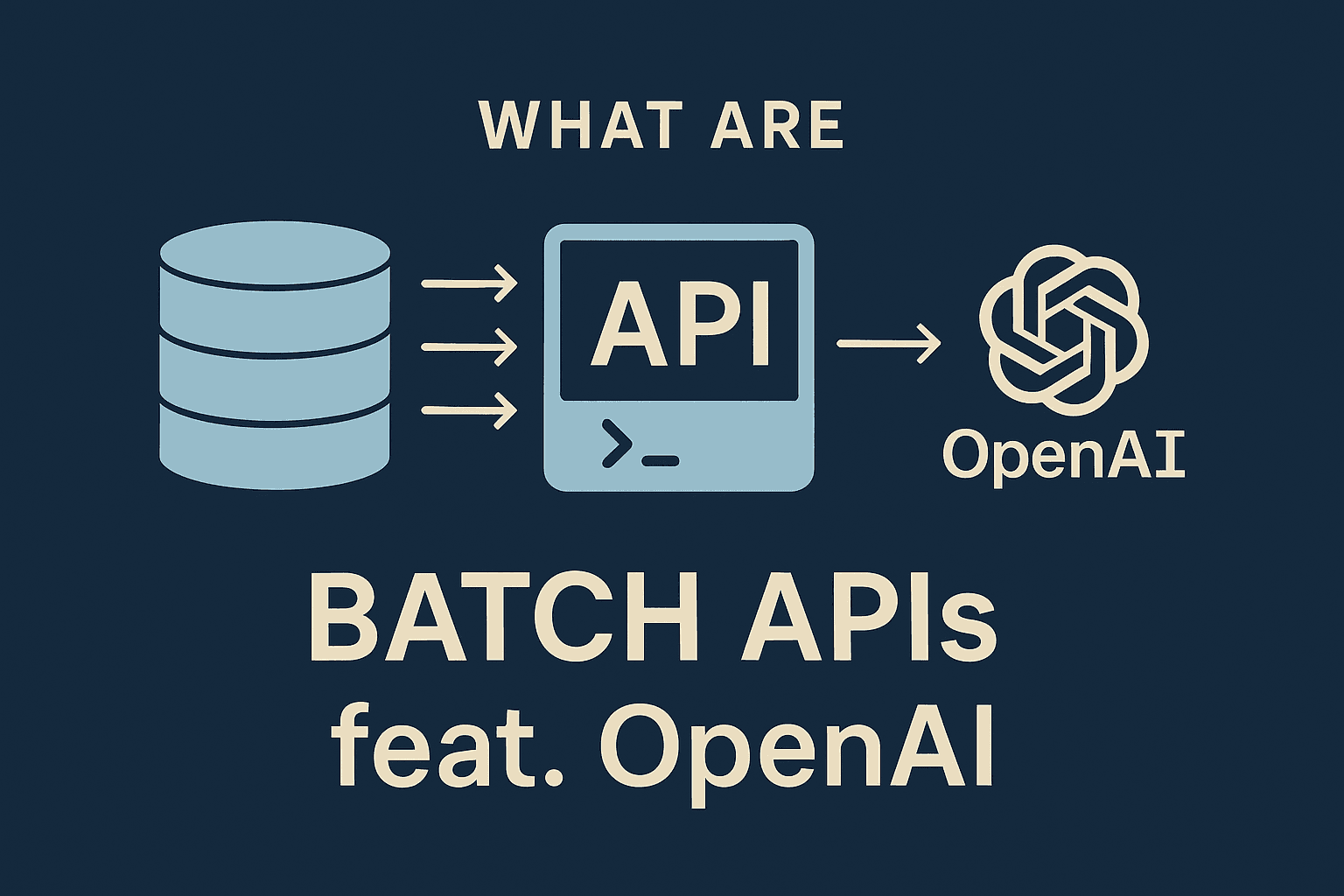
Batch APIs let you send a bunch of requests together – in a single file – and OpenAI will process them asynchronously on their side.
Here’s what makes them awesome:
✅ More efficient than real-time calls
✅ No need to manage retries or throttling
✅ Great for summarization, embedding, tagging, etc.
📌 Important: As of now, OpenAI only supports a 24h completion window. That means your batch gets processed within a day.
🛠️ Real Use Case: Summarizing Emails from CXOs
I have prepared a dataset of internal and external emails (through ChatGPT) – like this one:
{
  "from": "customer@loyalclient.com",
  "to": "ceo@company.com",
  "subject": "Praise and Feedback: Exceptional Support Experience",
  "body": "I wanted to personally commend your support team—especially Priya and Omar..."
}
And I wanted to generate short summaries like:
"Michael O'Connor from LoyalClient Corp praised Priya and Omar for excellent integration support."
So I did what any tired dev would do - I batch processed all of them with GPT-4 using OpenAI’s Batch API.
🧪 Step-by-Step: Code to Batch Like a Pro
1. First, install the required package:
pip install openai python-dotenv
2. Set up your environment:
Make sure your .env file contains:
OPENAI_API_KEY="your-api-key-here"
3. Python Code (Batch Creation)
from openai import OpenAI
import json, os
from dotenv import load_dotenv

load_dotenv()
client = OpenAI(api_key=os.getenv("OPENAI_API_KEY"))

emails = json.load(open("./dataset/email_samples.json", "r", encoding="utf-8"))

with open("openai_calls/batch_input.jsonl", "w") as f:
    for i, email in enumerate(emails):
        prompt = f"From: {email['from']}\nSubject: {email['subject']}\n\n{email['body']}"
        obj = {
            "method": "POST",
            "url": "/v1/chat/completions",
            "body": {
                "model": "gpt-4.1-nano-2025-04-14",
                "messages": [
                    {
                        "role": "system",
                        "content": "You are an email summarizer. Summarize this email in 2–3 sentences. Make sure to include all important pointers in the email."
                    },
                    {"role": "user", "content": prompt}
                ]
            },
            "custom_id": f"email-{i}"
        }
        f.write(json.dumps(obj) + "\n")
4. Upload the input file to OpenAI
batch_input_file = client.files.create(
    file=open("openai_calls/batch_input.jsonl", "rb"),
    purpose="batch"
)
batch_input_file_id = batch_input_file.id
print(f"Uploaded batch file ID: {batch_input_file_id}")
5. Create the batch request
batch = client.batches.create(
    input_file_id=batch_input_file_id,
    endpoint="/v1/chat/completions",
    completion_window="24h",
    metadata={
        "description": "Summarize CXO email samples for AI blog"
    }
)
print("Batch request created:", batch)
⚠️ Don’t forget to store it somewhere – you’llbatch.id need it to track status and fetch results later.
🔁 Checking Status
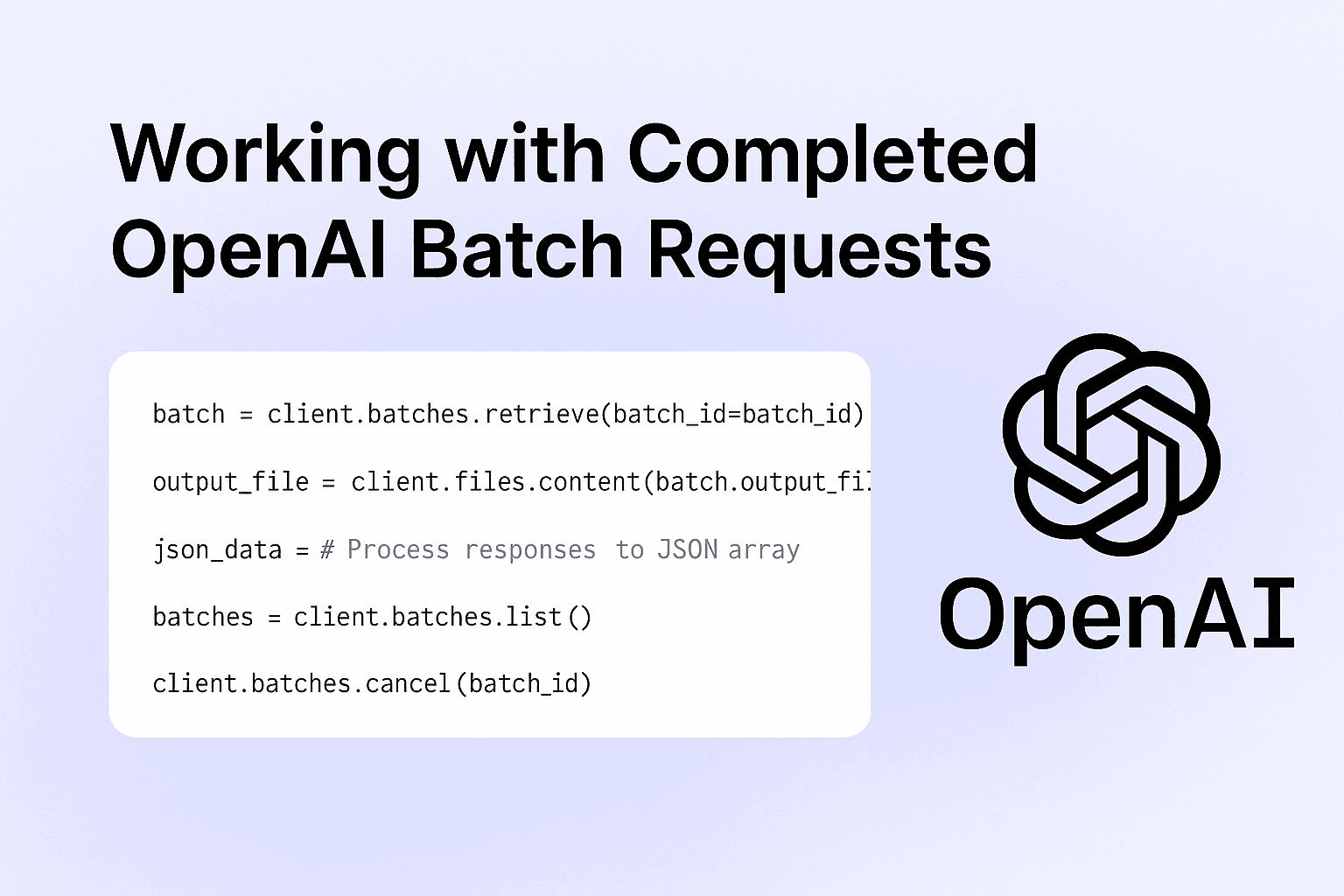
batch = client.batches.retrieve(batch_id="your_batch_id_here")
print(batch.status)
Common statuses:
validatingin_progresscompletedfailed
You can also list all batches:
batches = client.batches.list()
for b in batches:
    print(b.id, b.status)
🔎 When Should You Use Batch APIs?
Here’s a quick cheat sheet:
| Use Case | Good for Batch? |
| Email summarization | ✅ |
| Document tagging | ✅ |
| Large-scale embedding | ✅ |
| Real-time chat | ❌ |
| Function calling with rapid response | ❌ |
Batch APIs shine in background tasks where latency doesn’t matter – but cost, efficiency, and scale do.
📦 Future Ideas
I’m thinking of chaining this with:
Try embeddings
Automatic storage into a vector database
Semantic search across summaries
Tag generation (next experiment?)
🗨️ Final Thoughts
If you’re still sending LLM requests one by one and hitting rate limits – do yourself a favour: batch it.
It’s faster. Cheaper. And built exactly for use cases like summarizing, tagging, classification, etc.
Let me know if you want a GitHub template or help plugging it into your own workflow.
📎 Docs link again (bookmark this): OpenAI Batch API Guide
📎 Codebase: Github
📬 Got questions? DM me or drop a comment. Always happy to debug, rant, or batch together.